

The product was strong. The pitch sounded like every other AI tool.
Most AI video tools promise speed and give you an MP4. If the cut is 80% right, you start again. Simply Edits is different in one practical way: what you get back is a project file, with the timeline, cuts and layers all intact.
That one detail is the reason a working editor would try it, so my job was to make sure nobody could miss it.
Every visitor arrives with the same three questions
Before designing any section, I wrote down what a sceptical editor needs to know before uploading anything. Every part of the page had to answer one of them.
A sequence, not a list of features
The page reads top to bottom as promise → process → proof → trust. The highlighted sections carry the three doubts. The rest give each visitor a reason to believe it fits their kind of work.
Show the file, not the AI
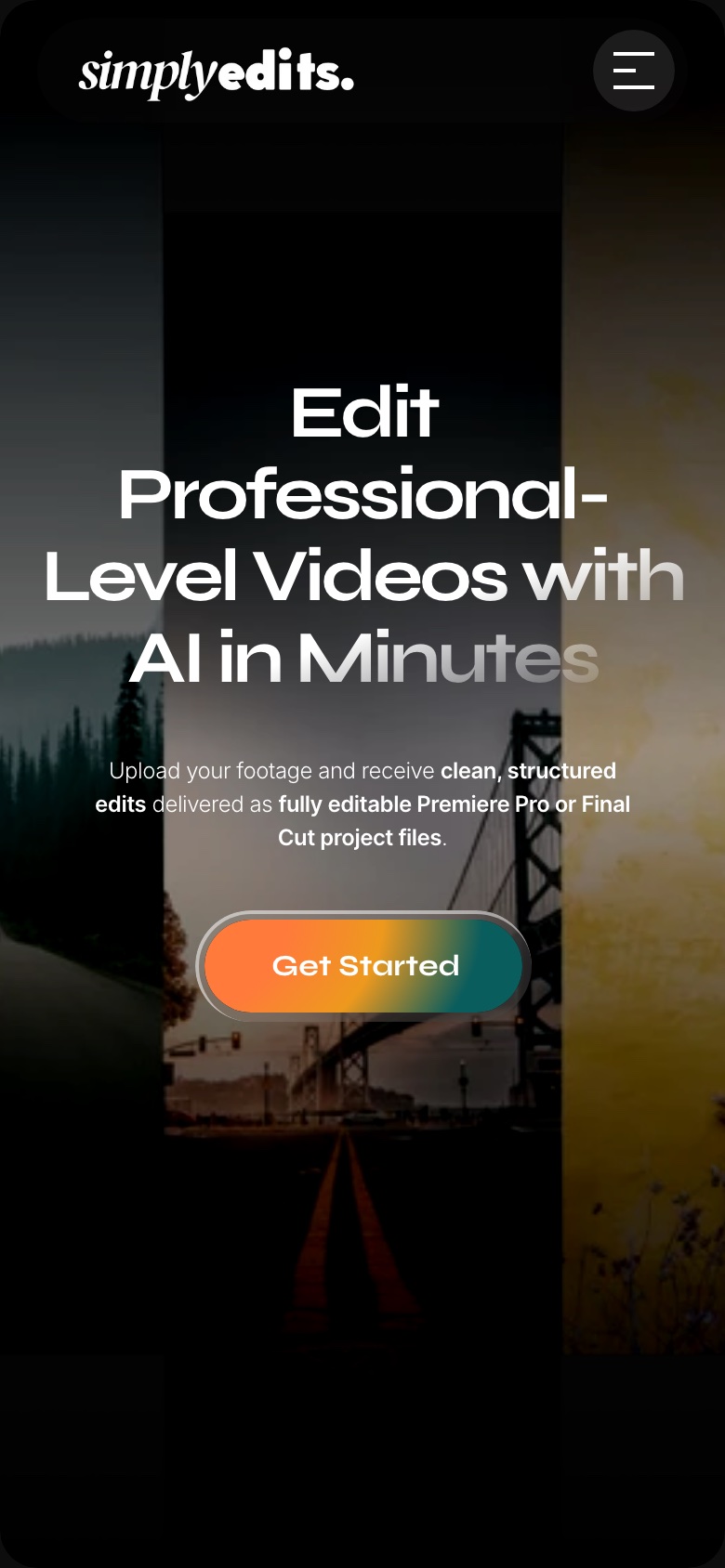
Lead with the output. The headline sells speed, but the line right under it names Premiere Pro and Final Cut. Those two words do more for an editor than any mention of “agentic AI”.
Make the process a collaboration. Review & Refine sits before export, so the edit never feels final until you say so.
 123
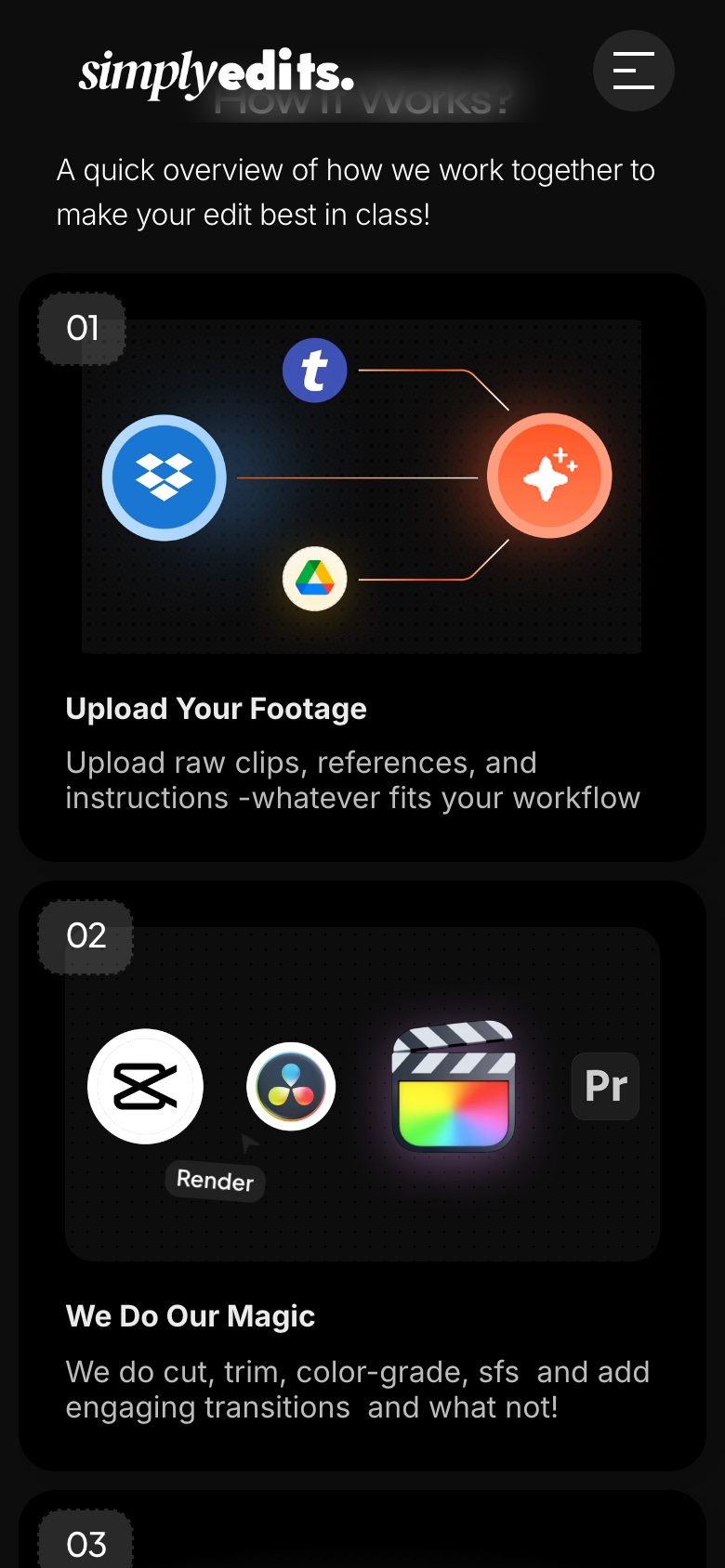
123- 1Upload works with tools people already use: Dropbox, Google Drive, a link.
- 2A “Revision is in progress” chip shows a person can push back on the edit.
- 3Step 4 shows the real file names,
final_export.prprojandFinal_Cut_v2.fcpxml. The output becomes something you can picture on your own desktop.
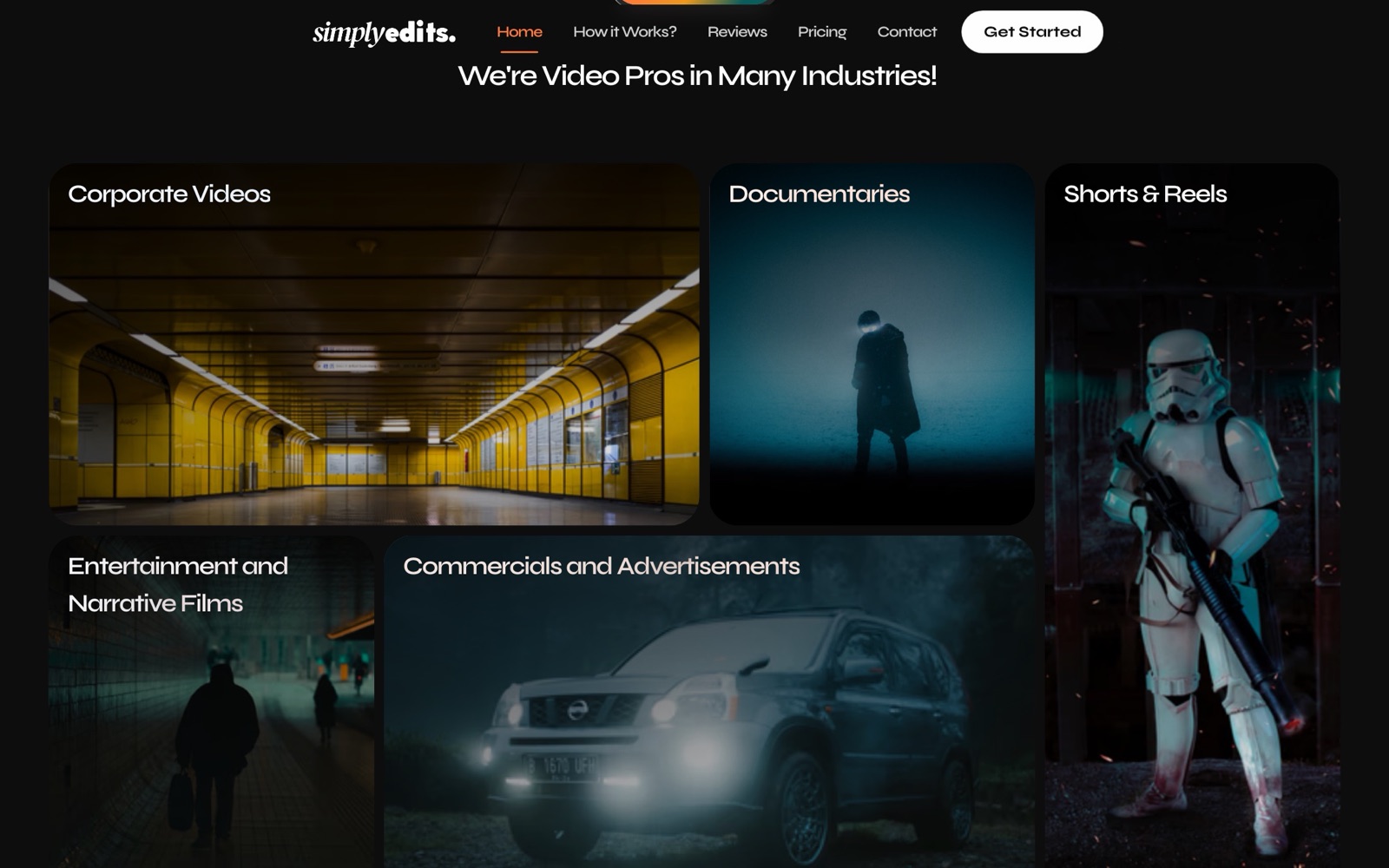
Let people find their own use case. Corporate videos, documentaries, reels and podcasts each get a card with footage from that world, so a podcaster and a filmmaker both see themselves on the same page.
The FAQ does the heavy lifting for the unsure ones
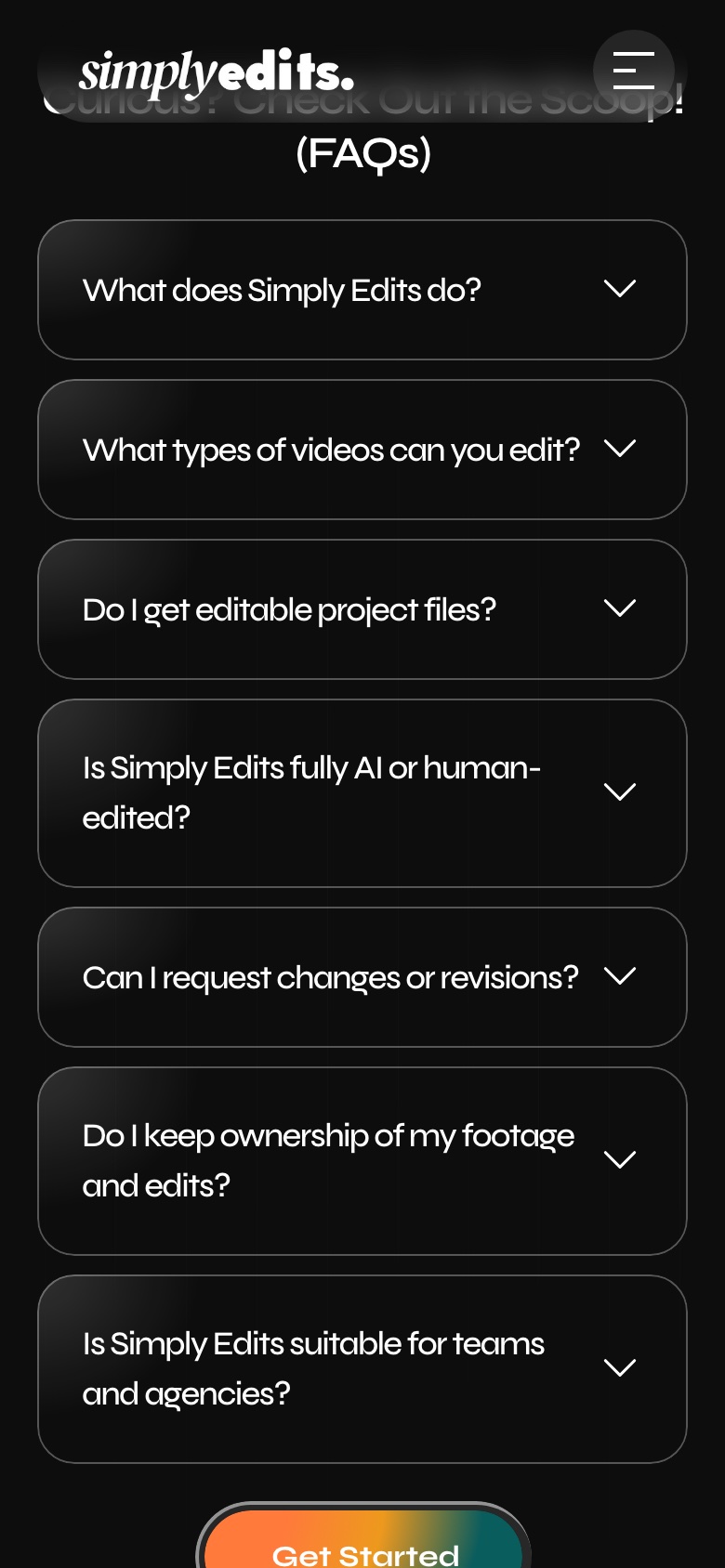
People who scroll past the hero are usually the ones who aren’t convinced yet. So the FAQ isn’t filler: it repeats the three doubts in the words people actually use.
 123
123- 1“Do I get editable project files?” asks doubt 1 directly.
- 2“Is it fully AI or human-edited?” is the question people are embarrassed to ask.
- 3“Do I keep ownership of my footage?” is why most people hesitate to upload at all.
The journey starts before the landing page
Most editors don’t search for “AI video editor”. They search for the problem in front of them. I planned articles around those questions, made each one useful on its own, then linked it to the part of the product that solves the problem.
Behind the page: moving a project forward
I also worked on the internal dashboard where projects move from upload to delivery. It’s internal, so I can’t show the real screens. This is the flow it’s built around, with three rules: status you can read (plain labels, not colour alone), feedback in context (revision notes next to the preview) and one UI language across every step.
Same story, one thumb
On a phone the page keeps the same order. The step cards stack, and a CTA stays within reach after every section.
What happened, and what I’d do next
70% of hero viewers clicked through, 40% kept scrolling, and the site ranks for 5 target keywords. The landing page gets people to sign up. The next drop-off is the first project, so I’d explore an onboarding that asks for context one step at a time and shows the expected output before processing starts: